CR · Craft & notes
Log Every Session So You Can Find the Take Later
A short, consistent name and a one-line log for every take, roll and session turns a messy backlog into something you can search months later: the date-first file name, the log columns that matter, and the five minutes it takes per session.
By Kook & HoomenPublished 869 wordsCR-002

Name every take, roll and session the same way the day you make it, and log it in one line before you move to the next one. The five minutes that costs on the day is the difference between finding a take in ten seconds next year and re-listening to, or re-scanning, an entire backlog to find it.
A studio that records, shoots and cuts generates more raw material in a month than memory can index. A short name and a one-line log are the only system that still works once memory has given up.
What should a file or folder name actually contain?
Four things, in a fixed order, so sorting the folder by name also sorts it by date and by project.
- Date, in ISO 8601 order:
YYYY-MM-DD. The ISO 8601 date format puts the largest unit first, so it sorts correctly as plain text, in any file browser, with no special software. A date written12-10-2026orOct 12does not sort correctly next to its neighbours;2026-10-12always does. - Project or subject, short: a two- or three-word slug, no spaces, hyphens instead.
guitar-session, notGuitar Session Take Two Final. - Take or roll number, zero-padded if the project might reach double digits:
take-03, nottake-3, sotake-10does not sort betweentake-1andtake-2. - One status word if it applies:
raw,edit,master. Leave it off entirely rather than invent a fifth field; a name with six segments is harder to read at a glance than one with four.
2026-10-12_guitar-session_take-03_raw.wav tells you everything the folder needs to know before you open the file. The same pattern works for a photo roll, a video take, or a mixed-session export: the fields stay the same, only the subject changes.
What belongs in the log, and what doesn't?
A log is not a diary. Five columns cover almost every session:
- Date. Same ISO format as the file name, for the same reason.
- Subject or project. Matches the slug in the file name, so a search for one finds the other.
- What's on it, in a few words. Not every take; the ones that matter. "Guitar and voice, three takes, take 3 is clean" tells you more a year later than a list of file names alone.
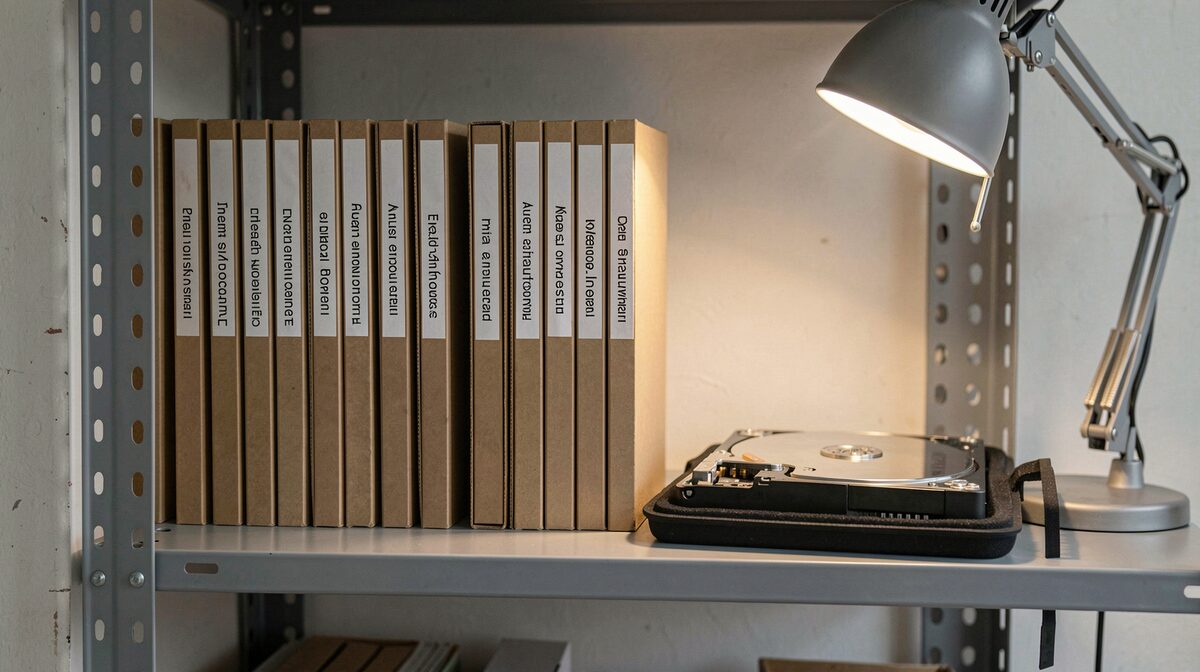
- Where it lives. Drive label, shelf position, or folder path. The log is useless if it tells you a take exists but not where.
- One flag if something is wrong. "Mic bump at 1:40," "underexposed, rescue in post," "corrupt, re-record." A flag written on the day saves a full re-listen or re-scan to rediscover the same problem later.
Keep the log as one line per session, not one line per take, unless a single session produced something unusual enough to deserve its own line. A log that takes fifteen minutes to fill in stops getting filled in; a log that takes ninety seconds survives the busy weeks.
Where should the log actually live?
Next to the material, not in a separate system you have to remember to open. A plain text file or spreadsheet at the top of the year's folder, named log.txt or log.csv, gets read because it is already where you are looking when you need it. A log kept in a separate app, on a separate device, gets consulted twice and abandoned by the third month.
One copy travels with the drive if the drive travels; a second copy stays in whatever the studio already uses for notes, so a dead drive does not also erase the only record of what was on it.
How do you catch up on a backlog that was never logged?
Triage by folder, not by file. Open each dated folder once, write the log line it should have had on the day, and move to the next folder without opening individual takes unless the folder name alone leaves the contents unclear. A backlog of two years usually takes an afternoon to log at the folder level; it would take a week to re-listen to or re-view everything at the take level, and the result would barely improve on the folder-level pass.
Rename as you go only if the files are not already roughly sortable; if the dates are at least present somewhere in the existing names, leave them and log around them rather than renaming a whole archive in one sitting. A renaming project that stalls halfway leaves half the archive worse off than before, with two naming conventions instead of one.
What this buys you later
Archives and libraries that digitize collections publish guidelines on describing files with consistent metadata, because a file nobody can identify is a file nobody can use. A home studio runs on the same logic at a smaller scale: the name sorts, the log explains, and six months from now a one-line search finds the take instead of a re-listen through a season's worth of sessions.
Sources
- Federal Agencies Digital Guidelines Initiative (FADGI), technical guidelines on embedded metadata for digital audio, video and image files.
- ISO 8601, the international standard for representing dates so that plain-text sorting matches chronological order.
Reading notes
Next on the programme
 CR-001 · Craft & notesStore Negatives, Drives and Masters for a Move
 IM-003 · Photography & darkroomRead a Contact Sheet Before You Print
 MO-002 · Film & motionCut the Sequence on the Sound

